How to Automate Instagram DMs (Free Template)
Set up Instagram comment-to-DM automation in about 15 minutes: connect your account, import a free template, and turn every comment into a lead.
Every comment on your reel is a person who wanted something. Without DM automation they get no answer, never enter your funnel and never buy. With it, a comment turns into a DM with your link, then follow-ups, and you keep a direct line to that person. It is set up once and runs on every post.
What you will set up
1. Why DMs matter
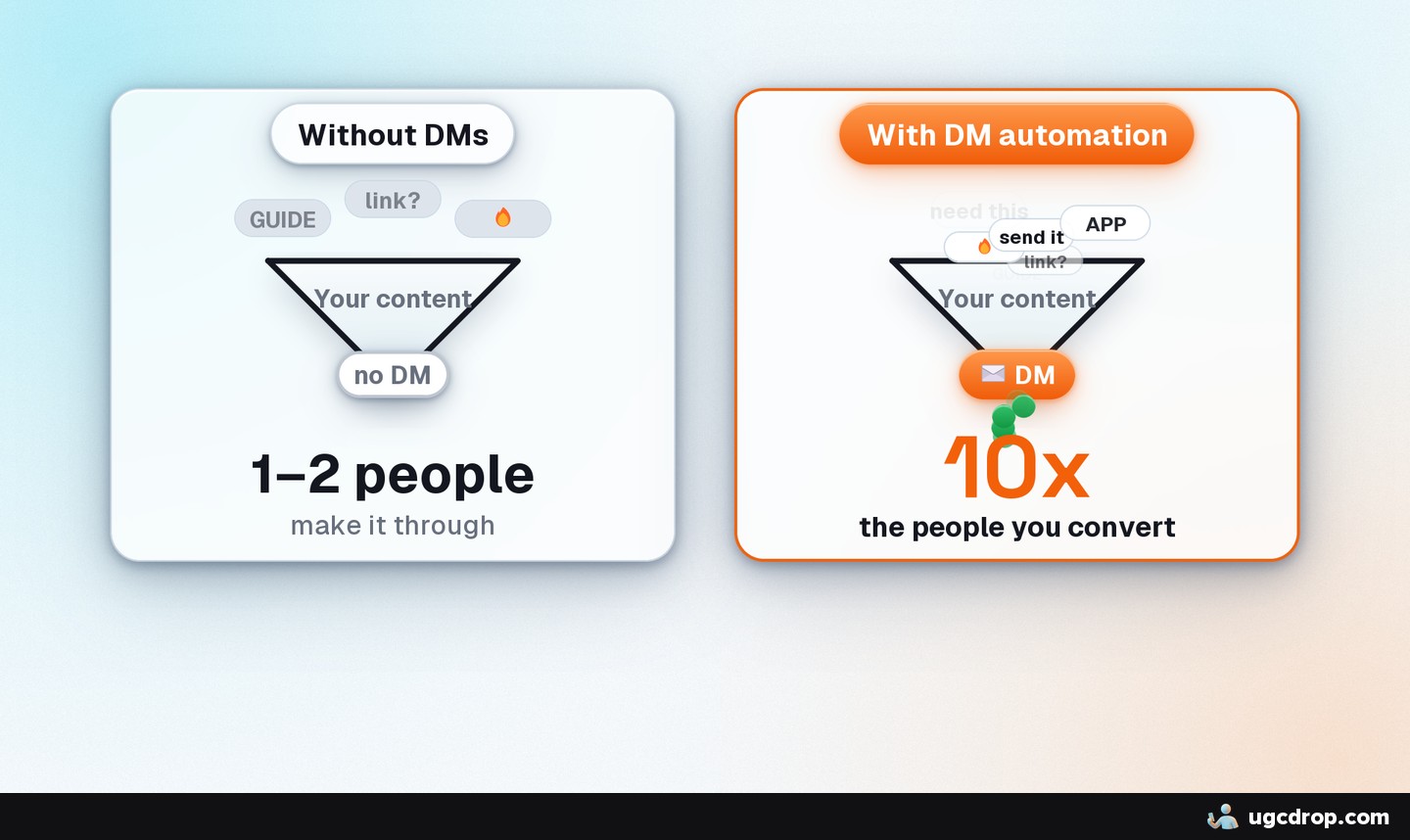
A comment is a warm lead. The person wants your product, app or resource, or something close to it.
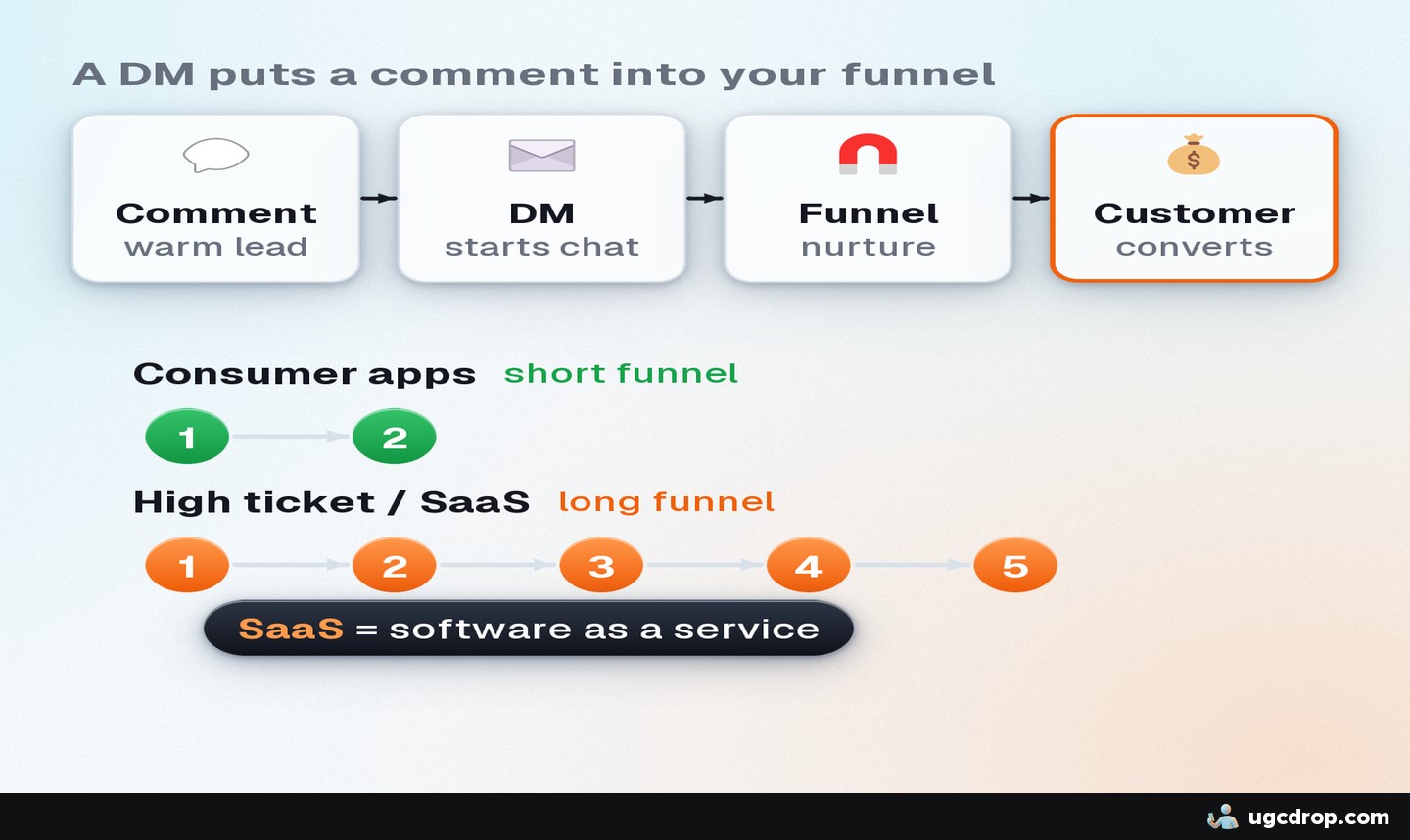
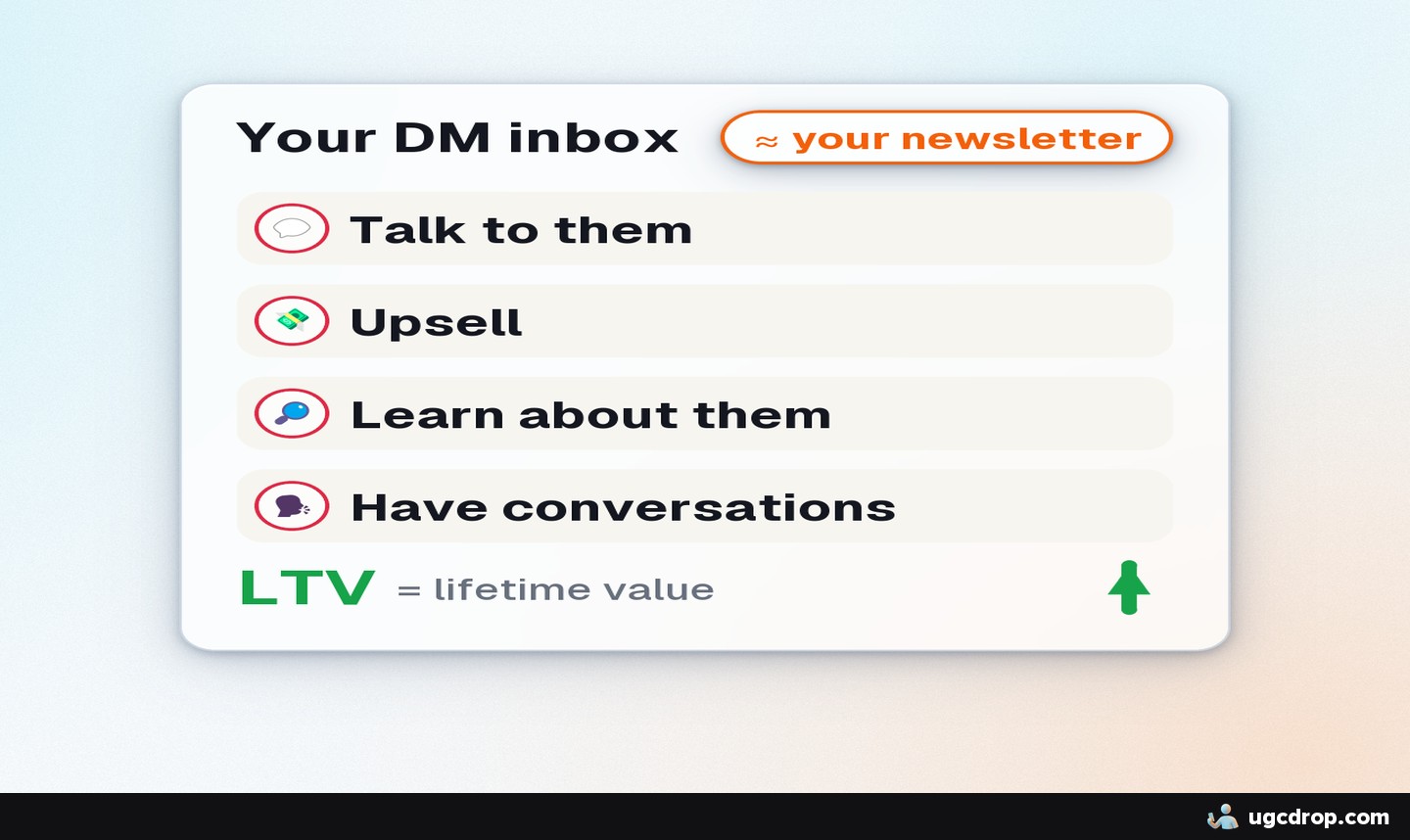
A DM puts them in your funnel. It works like a newsletter inside Instagram: you can follow up, learn about them and upsell later.
Comments boost the post. "Comment [keyword] and I will send it" gets more comments, more engagement and more reach, which means more people entering the funnel.
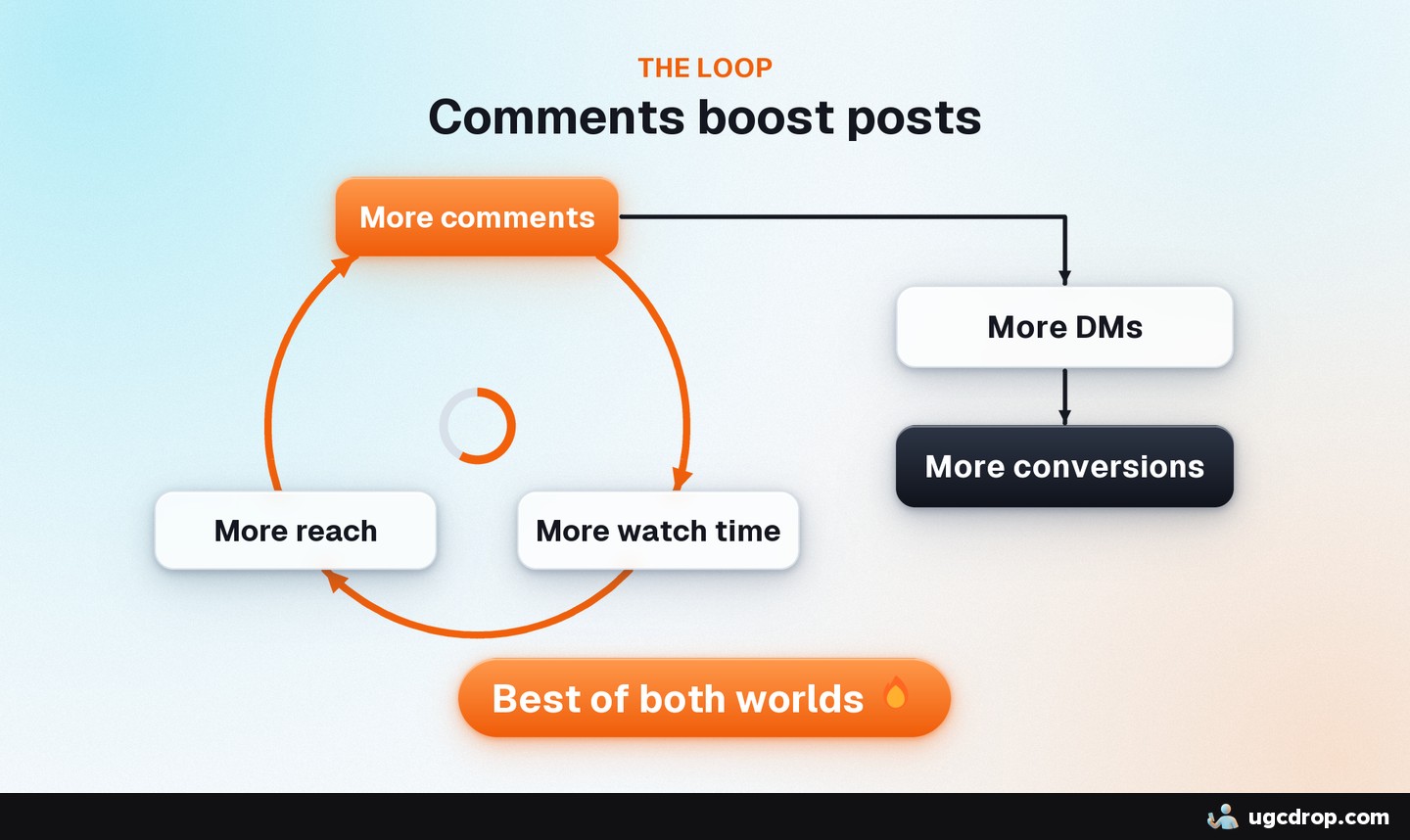
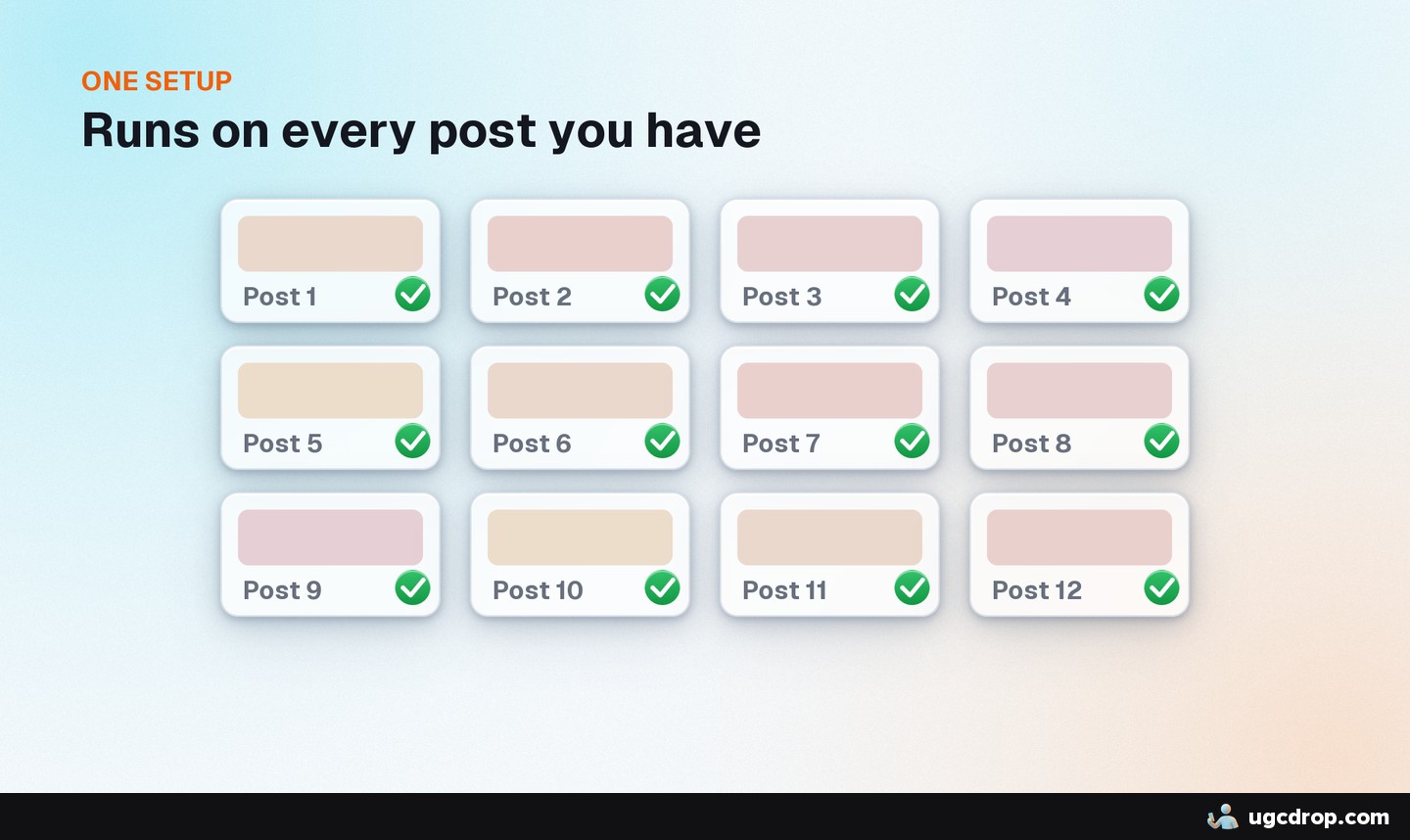
One setup covers all posts. You do not set it up per video.
In my own accounts, simple follow-ups like the ones below took viewer-to-user conversion to about 5%.
2. Do you need it?
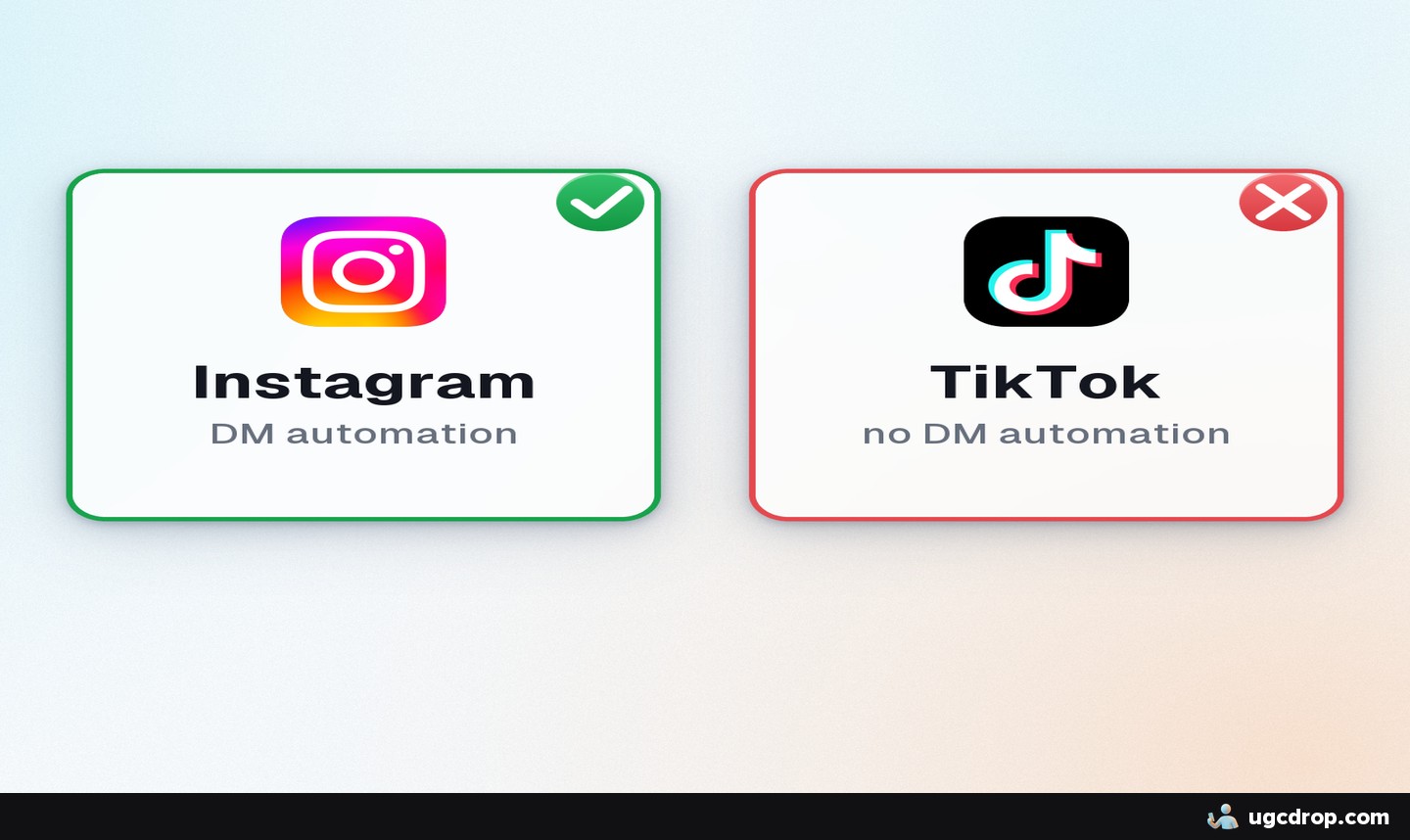
Instagram only. TikTok does not allow DM automation.
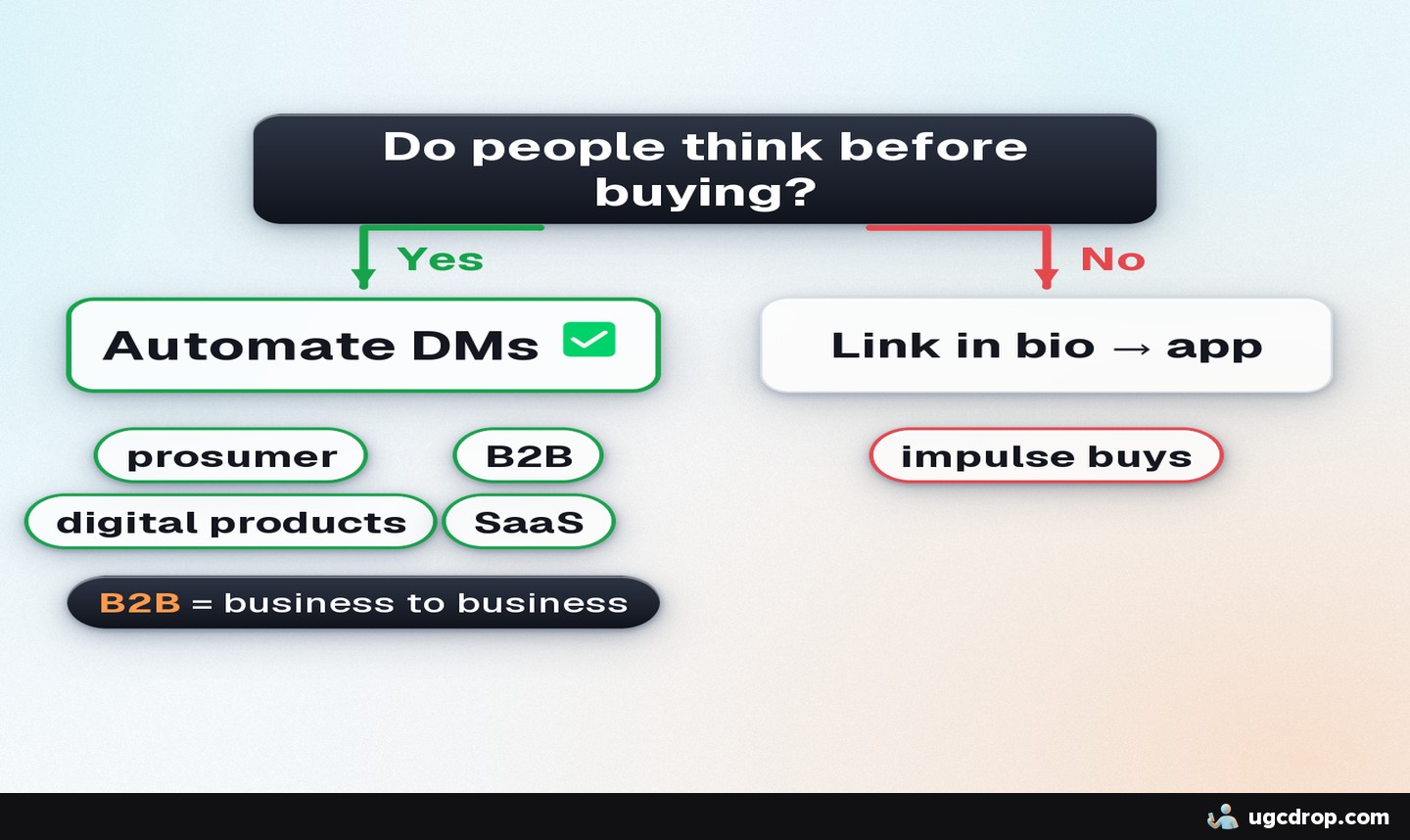
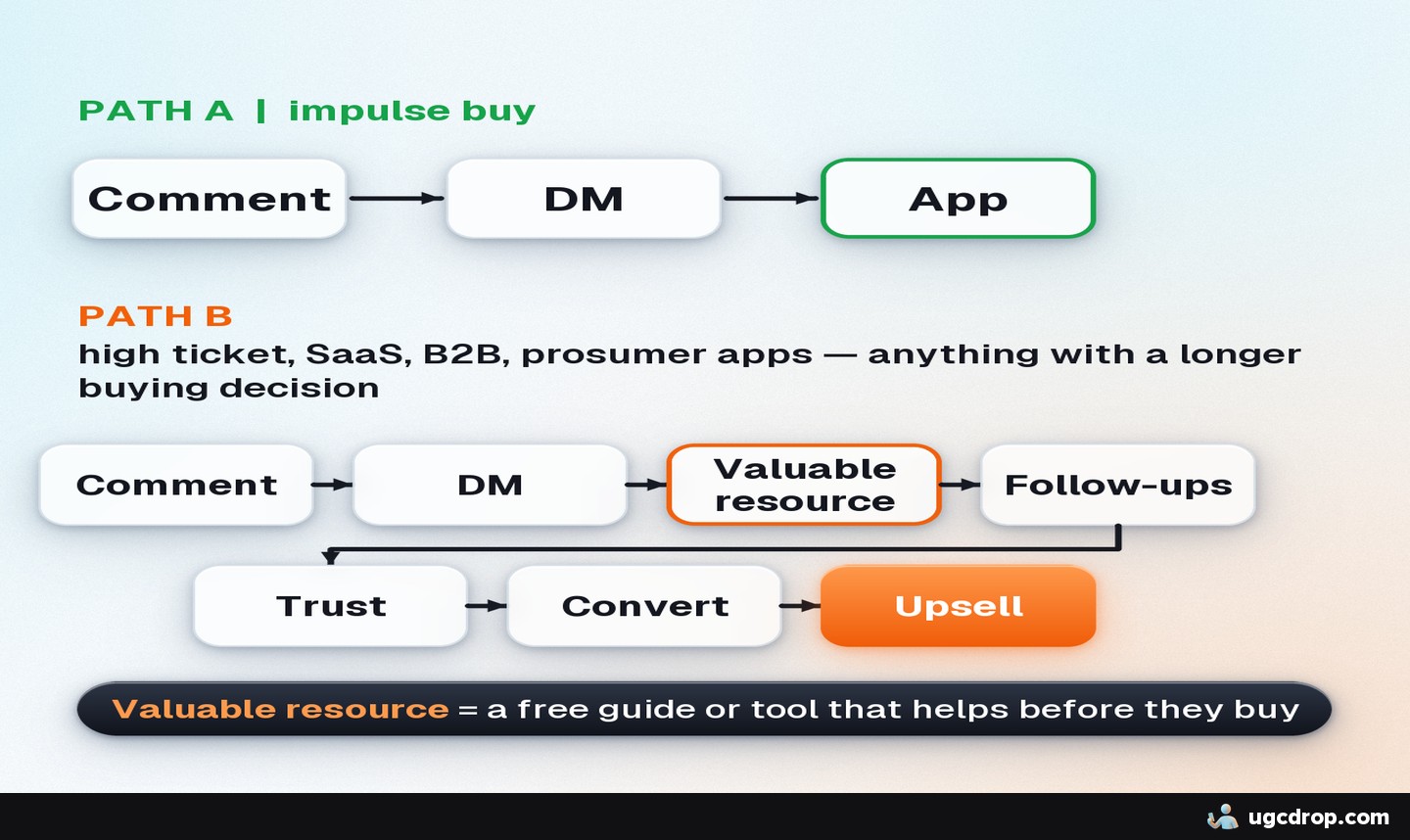
Prosumer, B2B, SaaS, digital products: yes. People decide before buying, so a funnel converts more of them.
Impulse-buy consumer apps: optional. Link straight to the app in your bio. It can still help, but it matters less.
3. What you need
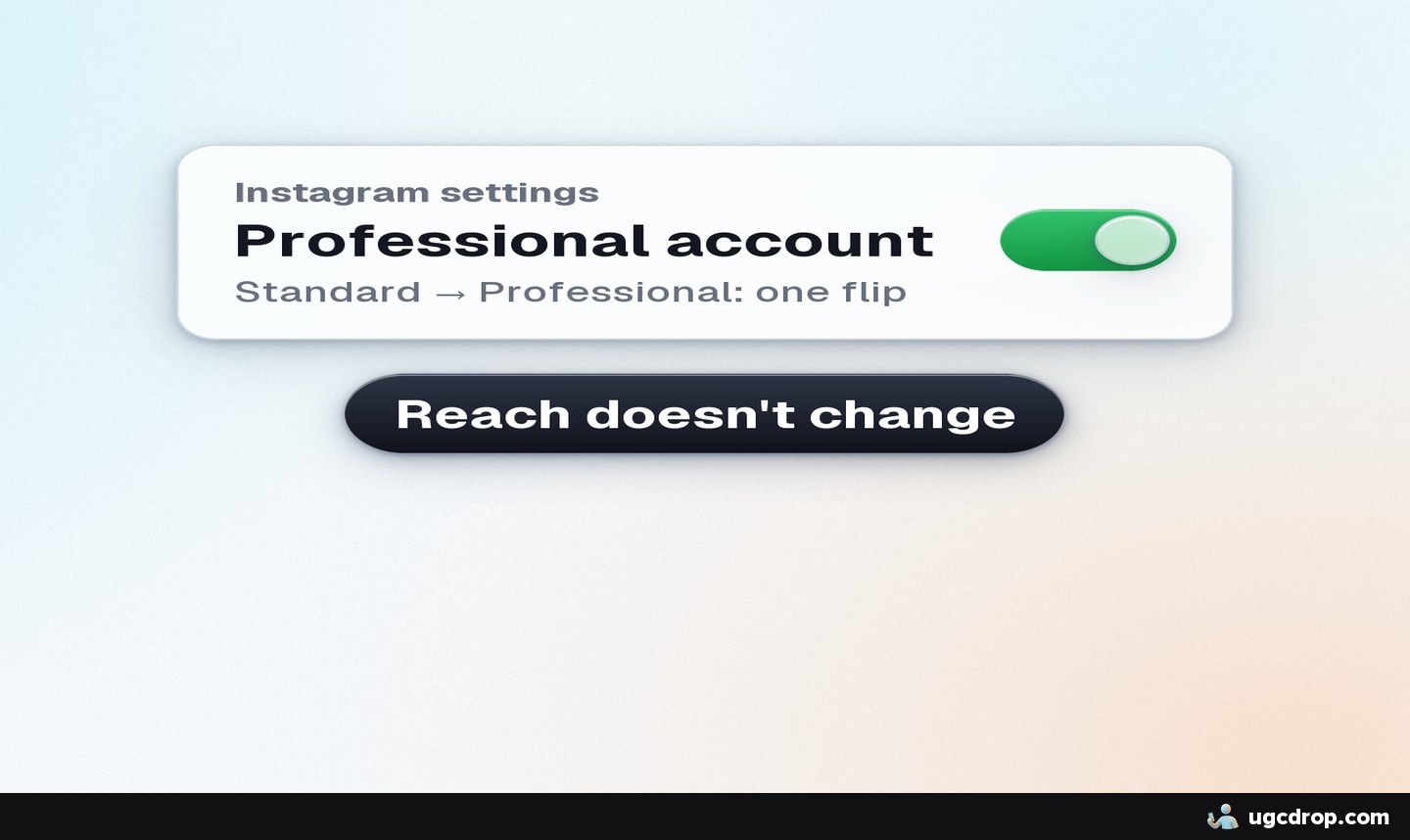
A professional (creator or business) account. It is one setting in Instagram, it does not change how your content performs, and it is required to connect a DM tool.
A DM automation tool. ManyChat is the best known but gets expensive as contacts grow. Free options such as Zorcha and JotForm exist. This guide uses Boosend: affordable, unlimited connected accounts and automations, and it can send images and voice messages.
A link to send. App Store or Google Play link, your website, or a free resource.
4. Connect your Instagram account
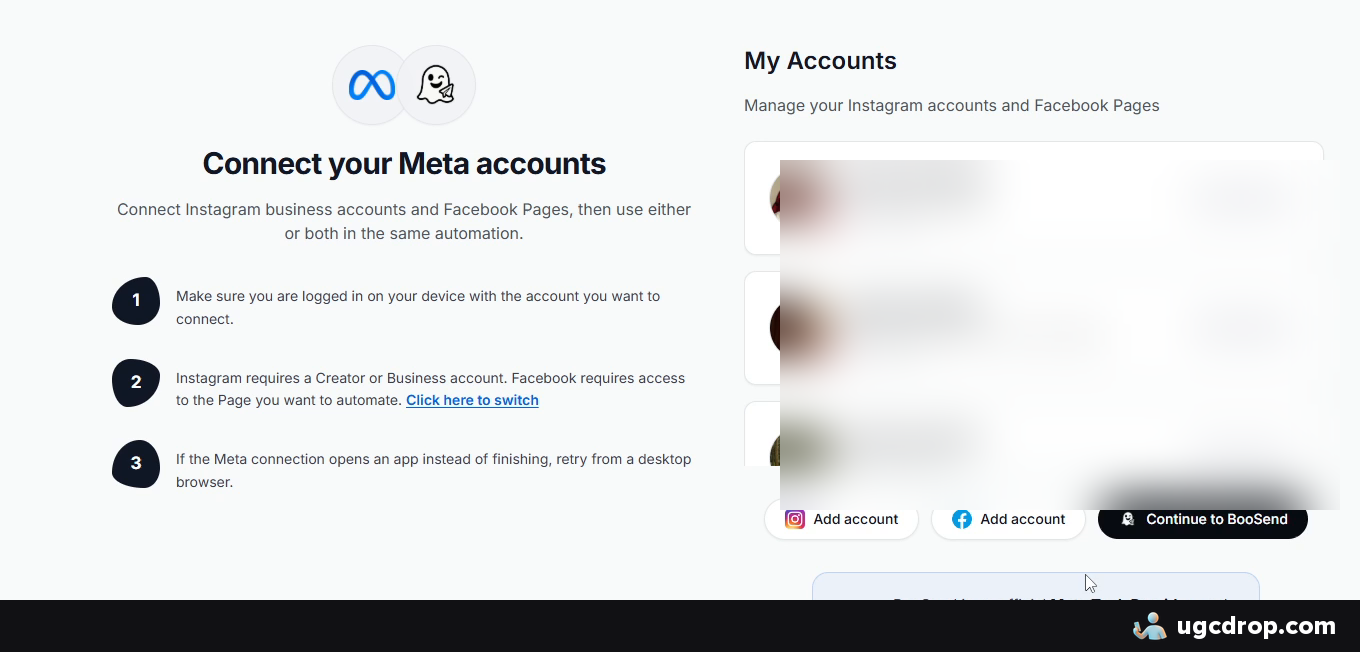
Sign up for Boosend with your email and a password.
On the dashboard, open Manage Meta accounts, click Add account, choose Instagram and accept the permissions.
If you do not see it, go to Settings, Meta accounts, Add account.
If Instagram asks you to switch to a professional account, accept. It is required to send DMs, reply to comments and manage conversations.
5. Import the template
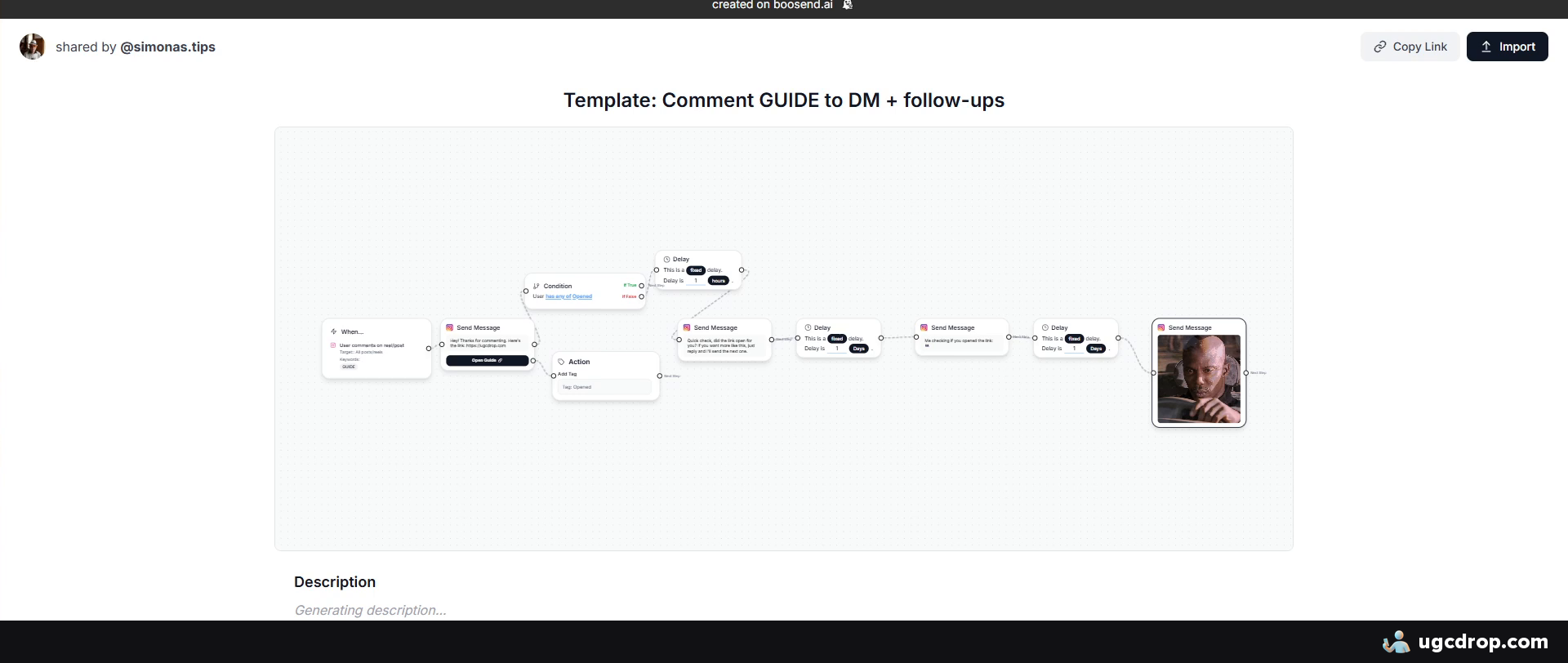
Open the template link below, click Import and pick the Instagram account to attach it to.
The template is a free, ready flow: comment keyword, reply under the comment, DM with your link, then follow-ups.
6. Edit the trigger, the DM and the follow-ups
Trigger
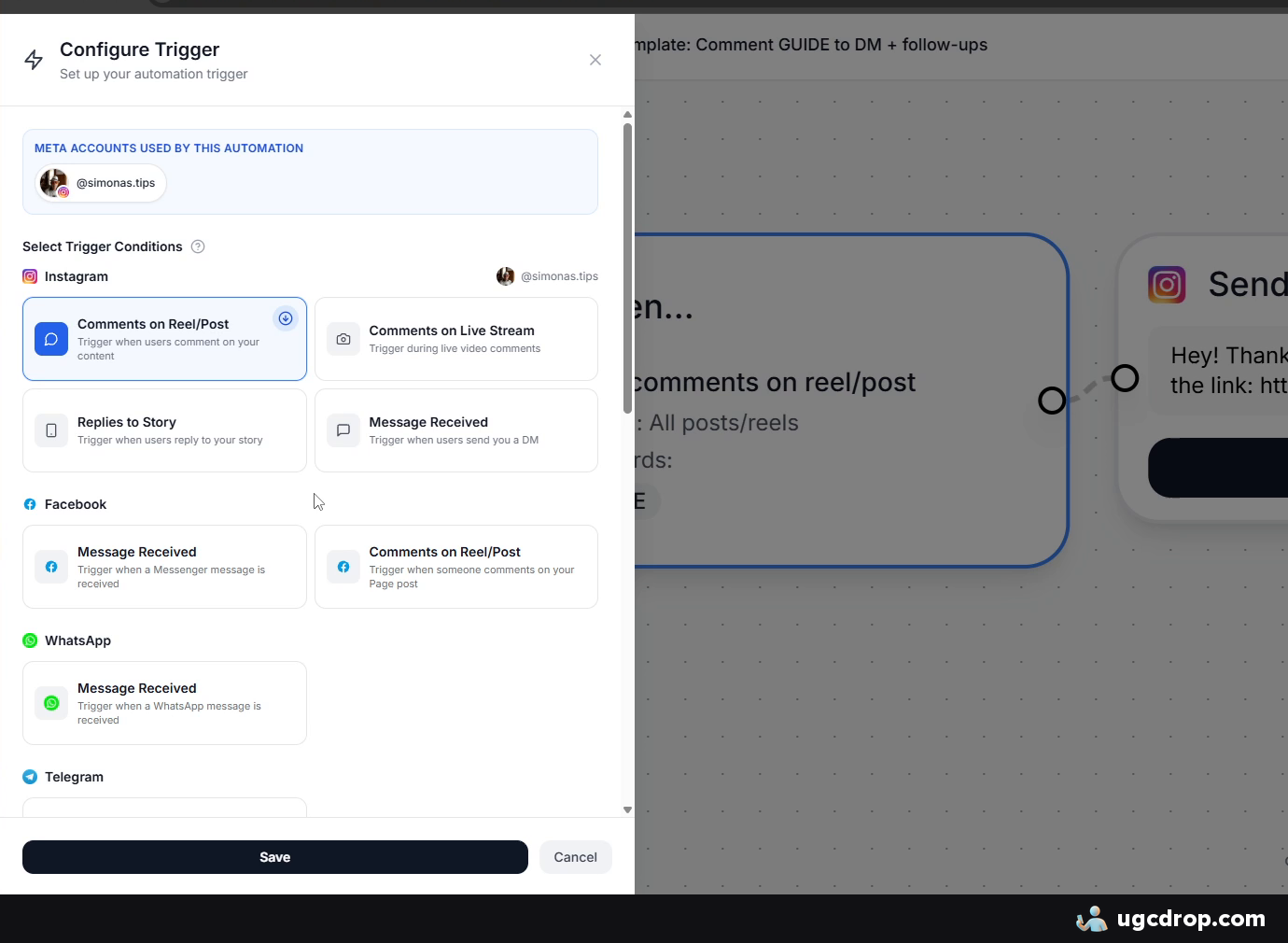
The template starts on comments on reels and posts. You can also trigger on story replies and received messages.
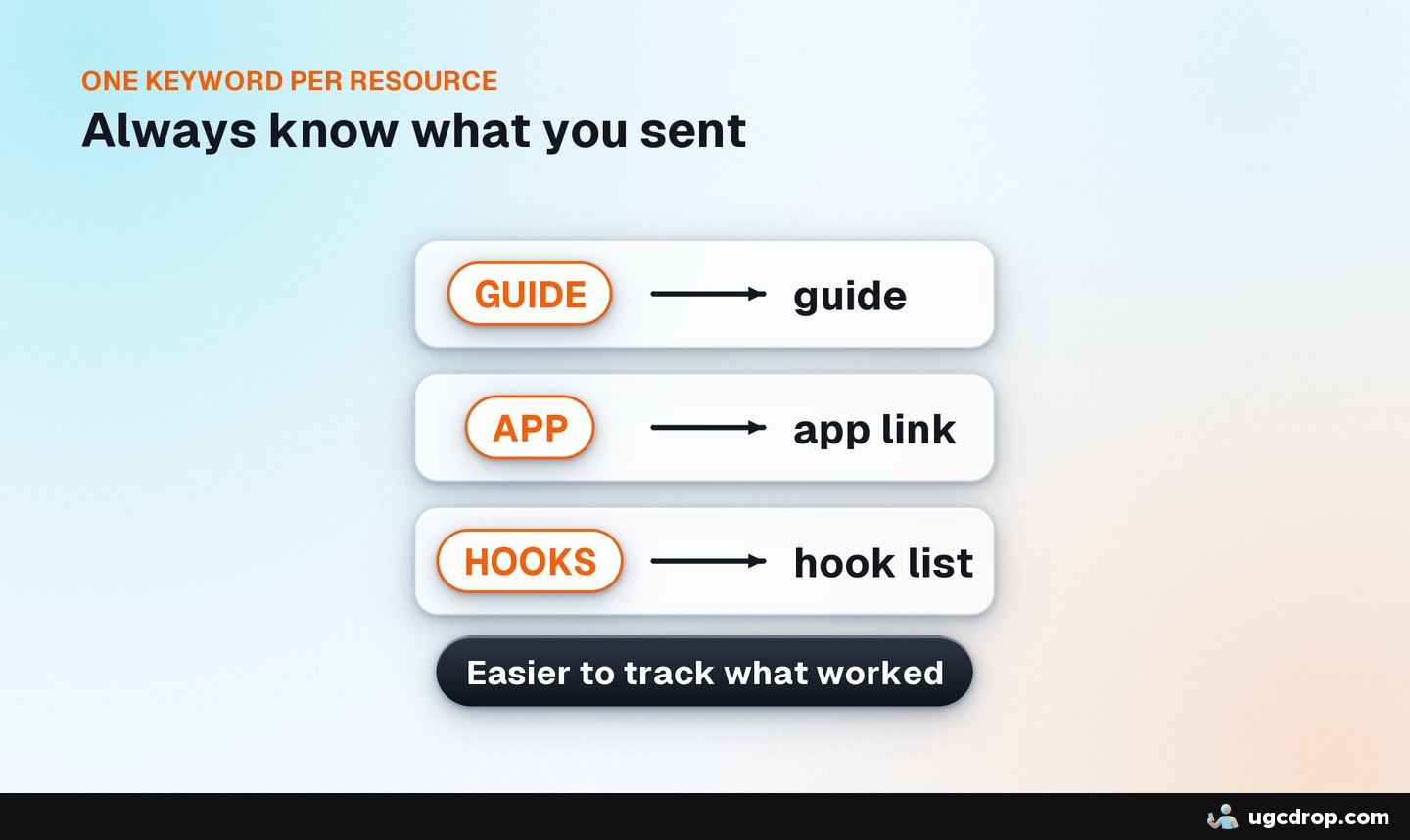
The keyword is guide. Replace it with your own with Add keyword, or delete the keyword to answer every comment.
Keep the public comment reply on. It tells people to check their DMs, and automated DMs can land in message requests where people miss them. Add variants in your own voice (for example emojis) so it sounds like a person.
The DM and the link
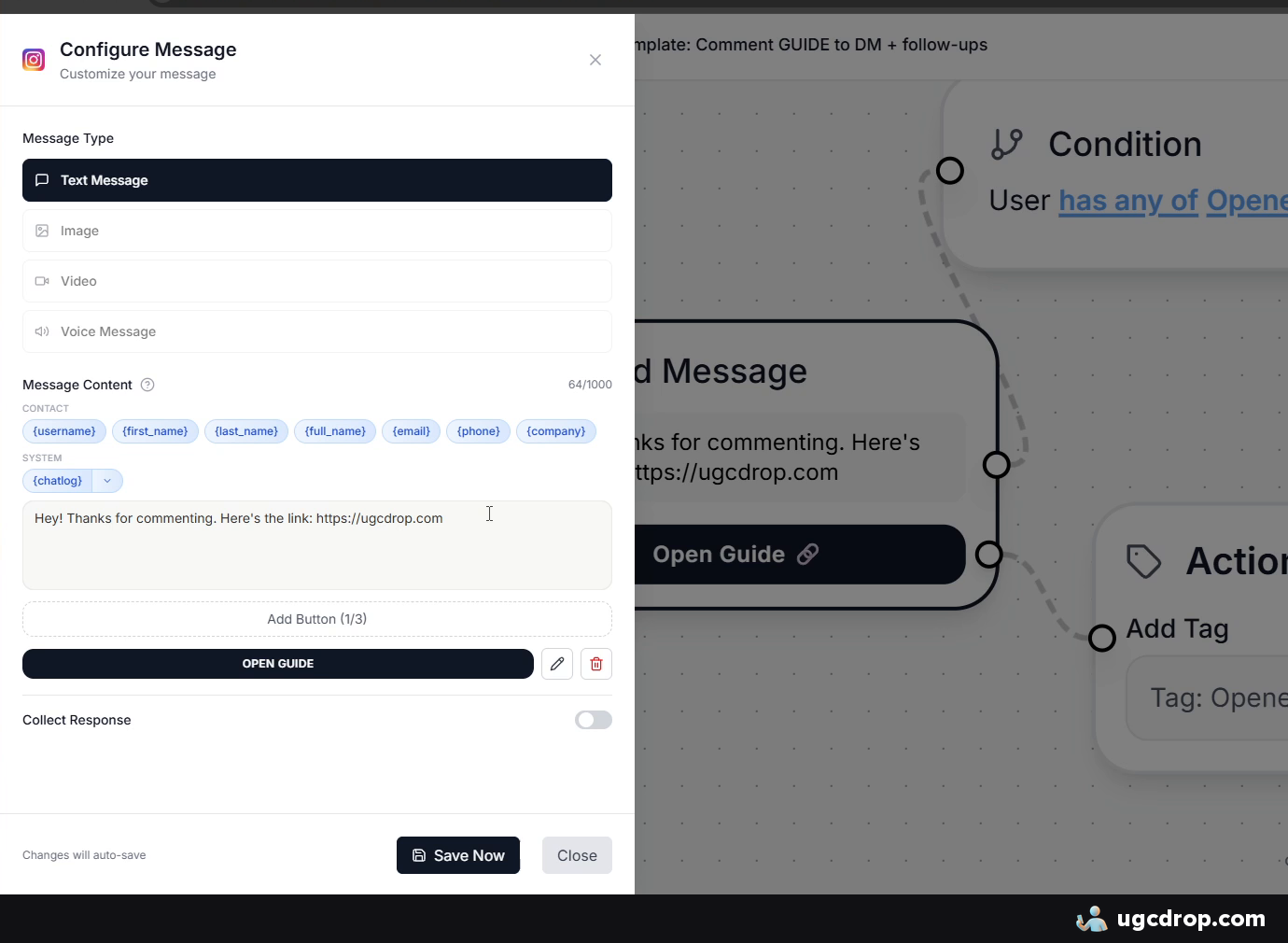
Start with a short "thanks for commenting" so people remember where the message came from.
Replace the link with your own: App Store, Google Play, your website or a resource. Edit the button the same way, set the label (for example "Open app") and save.
Add UTM links here if you run many accounts, so you can see where users come from.
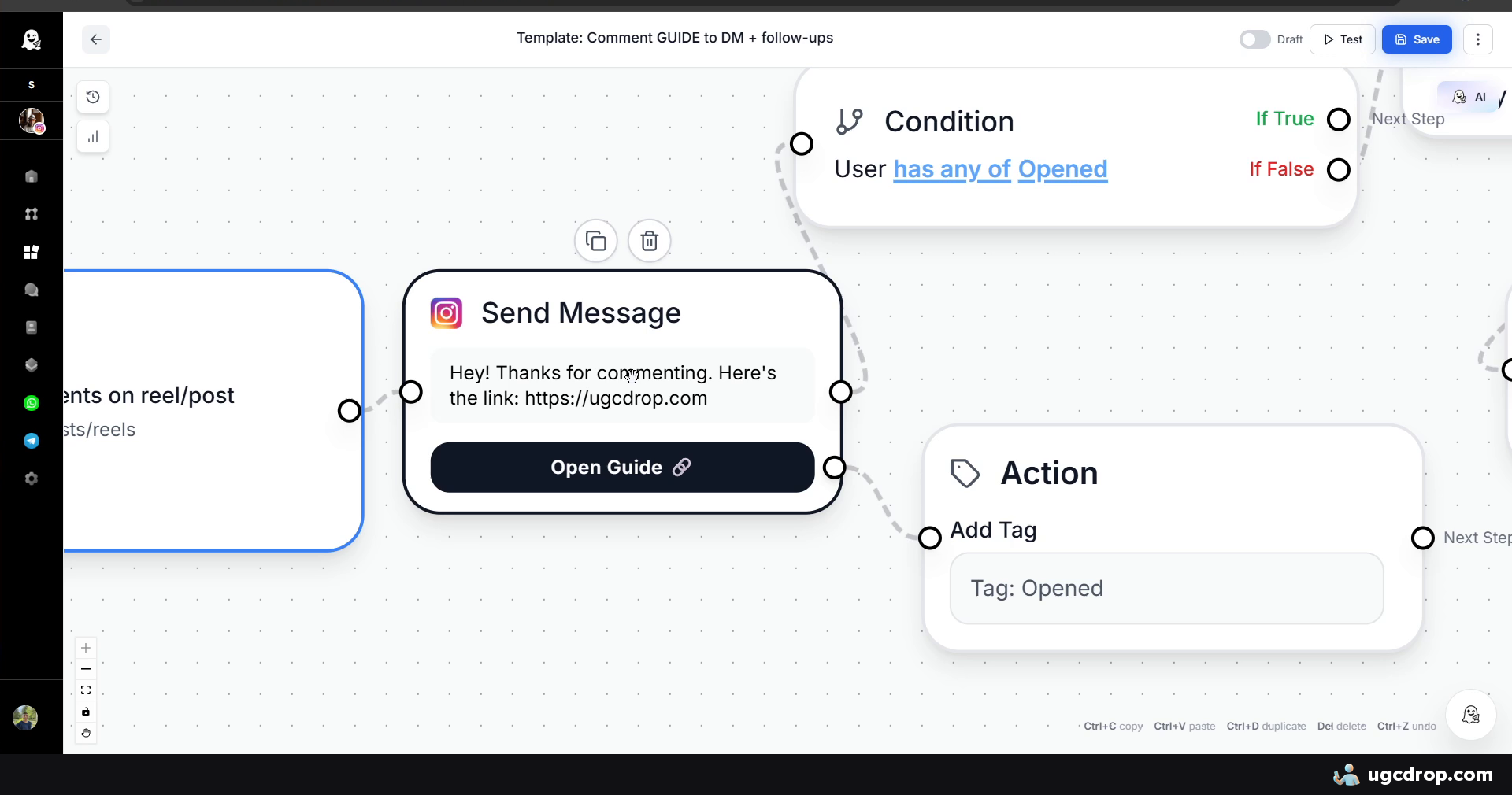
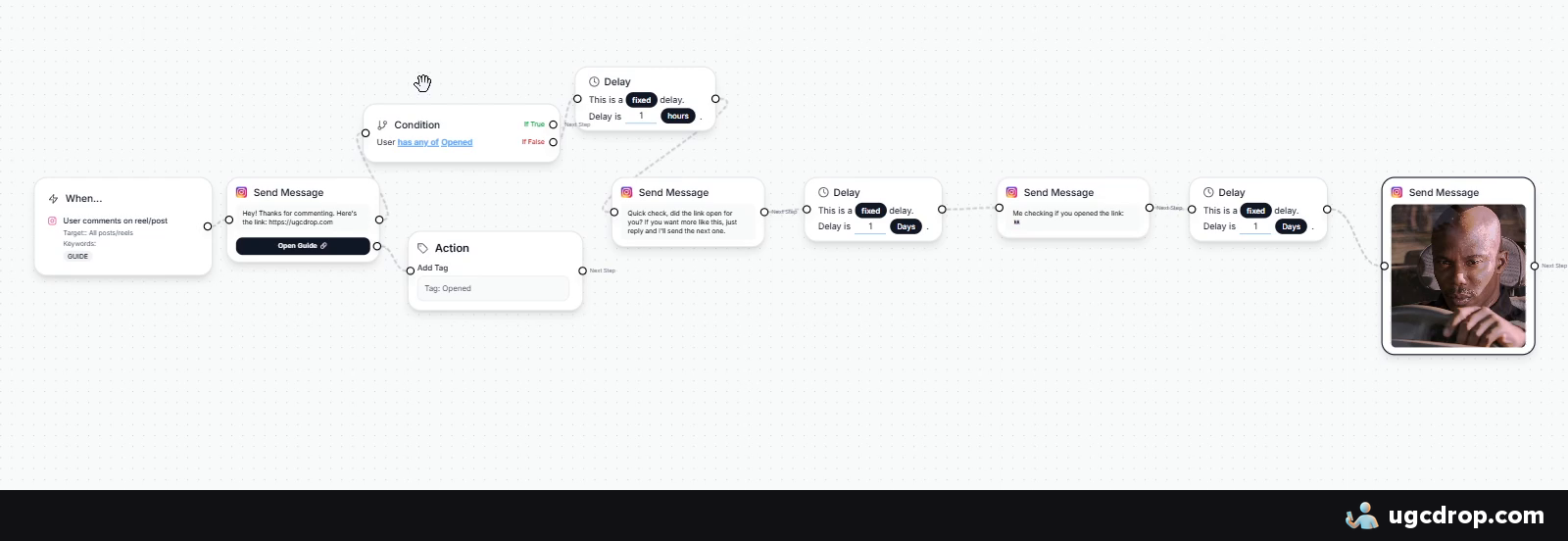
People who open your link are tagged Opened and get no more messages. Everyone else gets the follow-ups.
Follow-ups
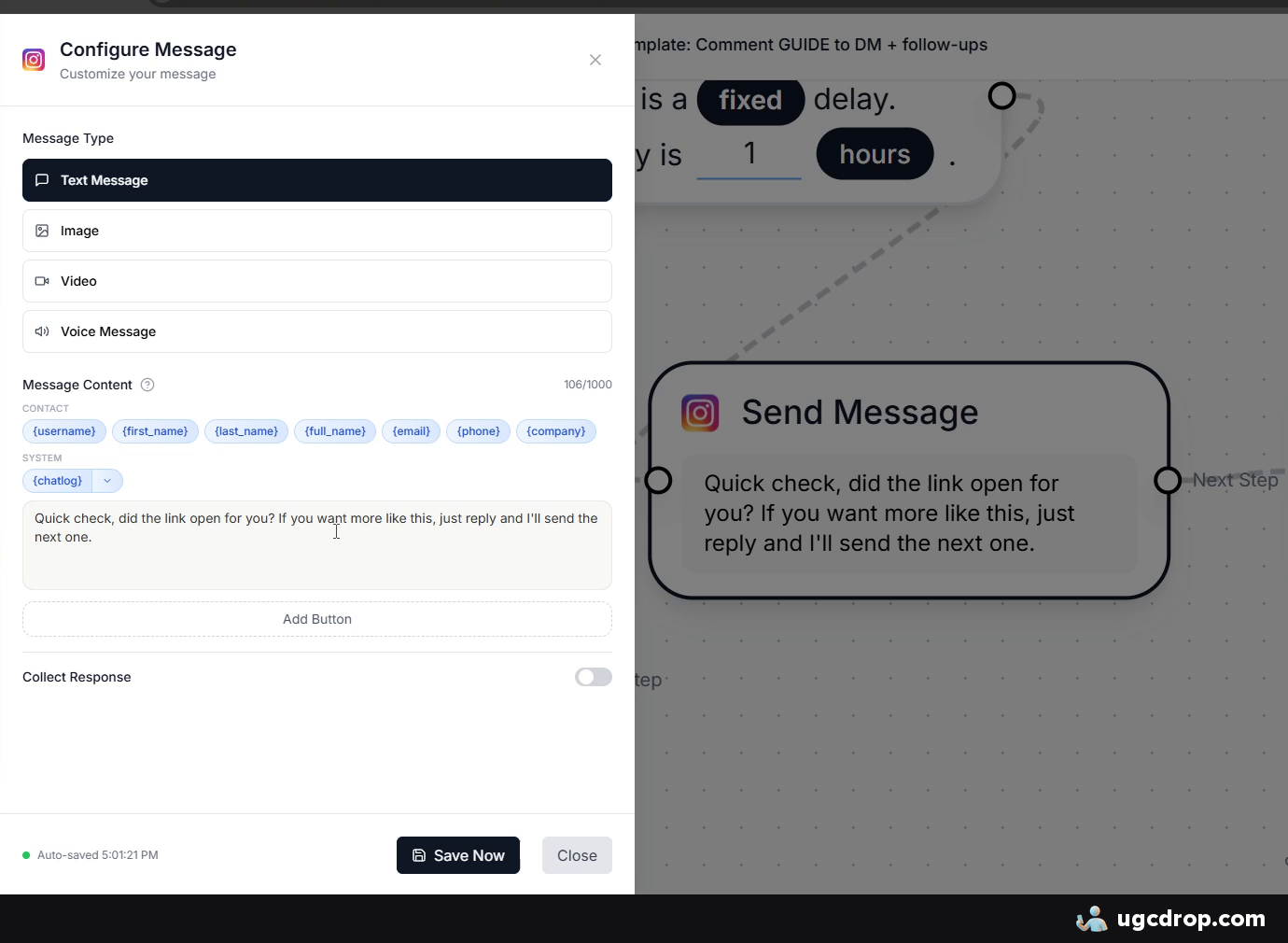
Follow-up 1: a short check-in: "Quick check, did the link open for you? If you want more like this, just reply and I will send the next one."
Follow-up 2: a lighter, funnier line.
Follow-up 3: a meme.
The waits are set in the delay nodes (1 hour, then 1 day, then 1 day in the template). Change them to fit your audience.
Most people simply forget or get busy, so a reminder recovers users you would otherwise lose.
7. Best practices
Start simple. Replace the link, the product name and the button, then publish. Test different copy later.
Funnel by product type. Impulse-buy app: send people to the app. Higher-priced or prosumer product: send a lead magnet or a useful resource first, follow up, then upsell.
One keyword per resource. It is easier to manage and you always know what each person was sent.
Go further later. Ask people to follow before they get the resource, check if they follow, send a tutorial, ask a question and wait for the reply, then upsell. The template is enough to start.
Checklist
Set up your profile first Watch the full video
Need videos that get comments?
DM automation only works if people comment. UGC videos made with UGCdrop are what I use to get comments on new pages without showing a face or hiring creators.