How To Set Up an Instagram and TikTok Profile That Converts
The name, picture, bio and link that make an Instagram or TikTok page convert, with good and bad examples and the Instagram audience settings.
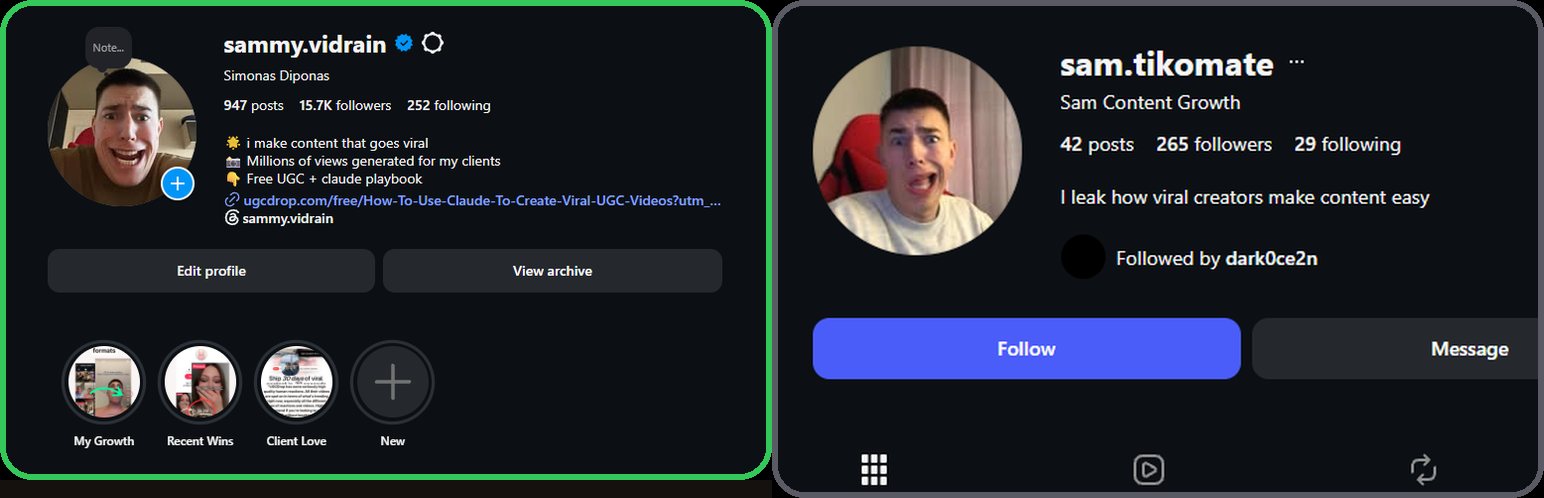
A profile set up properly converts several times more profile visitors into users than a default one, on the same content. Setup is the cheapest conversion fix there is, and it takes minutes.
What you will set up
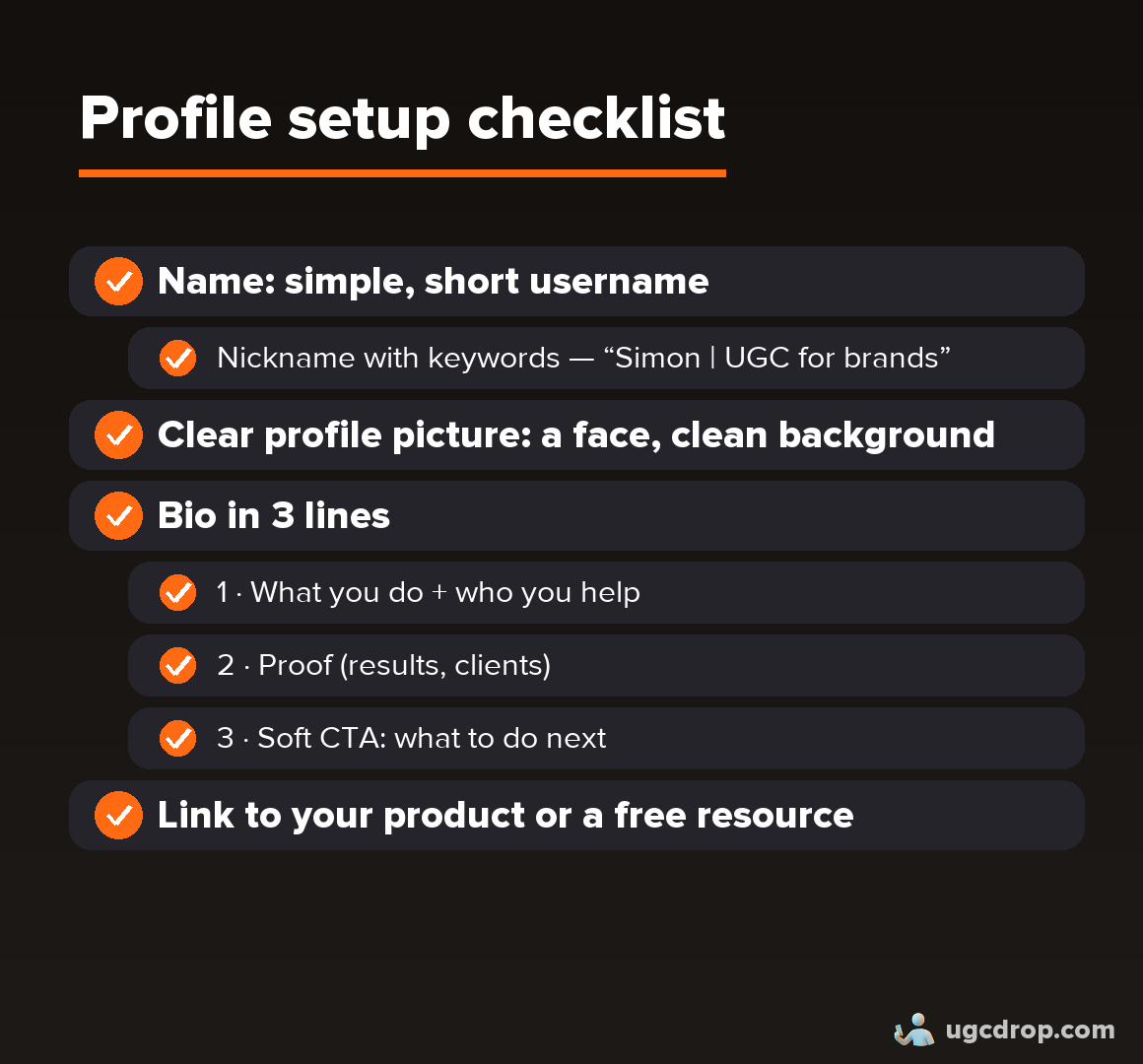
1. Name and username
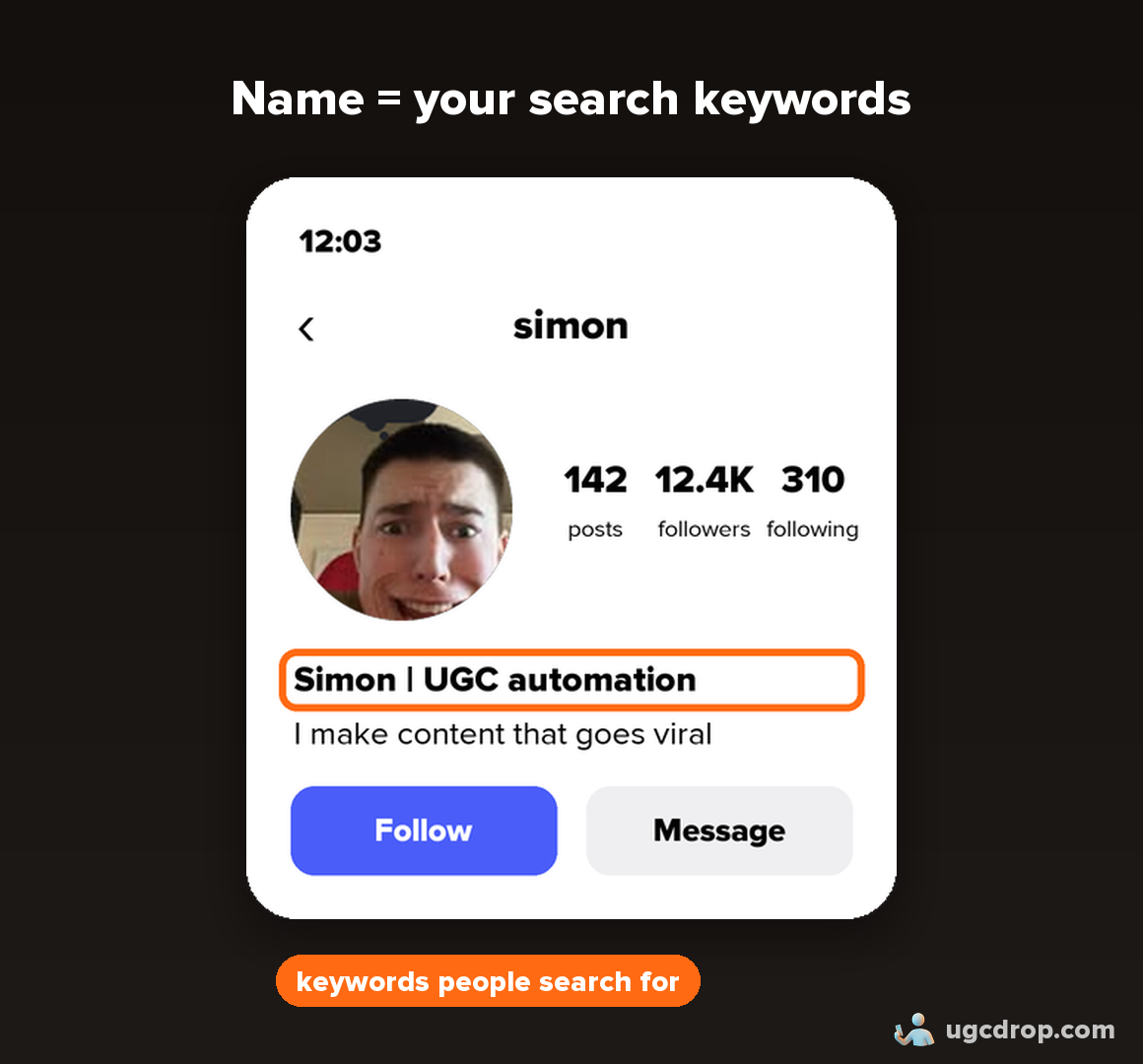
Username: short, simple, easy to remember. Your own name works.
Name field (nickname): put your keywords here. Instagram search, TikTok search, Google and AI search (ChatGPT, Claude) read this field.
Format: your name + your niche. Examples: "Simon | UGC for SaaS", "Simon | UGC automation", "Simon | Content for businesses".
No keywords in the name means no search traffic.
2. Profile picture
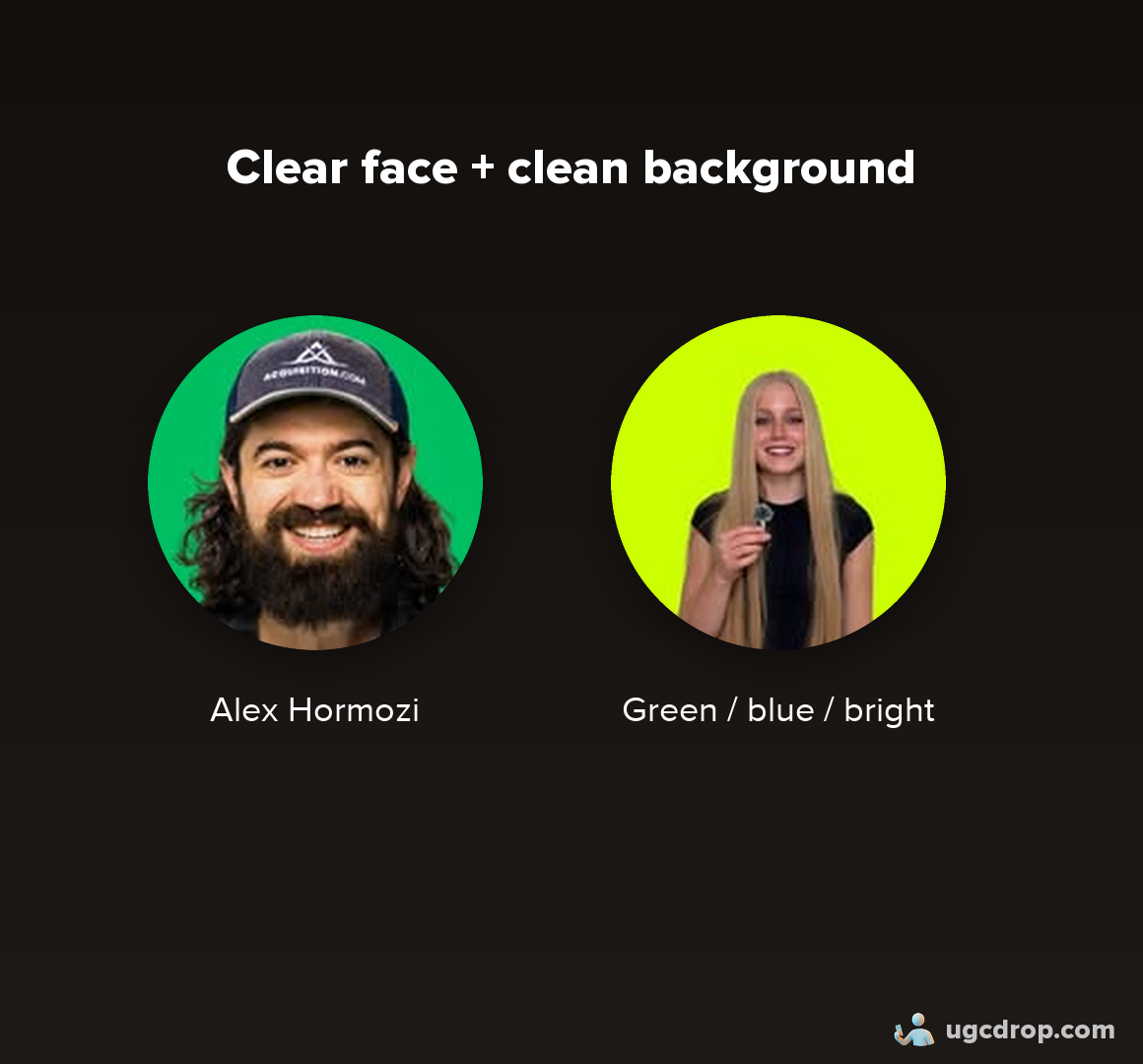
Use a clear face. People buy from people, not brands.
Avoid memes, logos, and generic stock or Pinterest images.
A plain, clean background (black, green or blue) is the common personal-brand style.
No face of your own? Use a UGCdrop creator's face: take a screenshot from one of the videos.
3. Bio (Instagram: three lines)
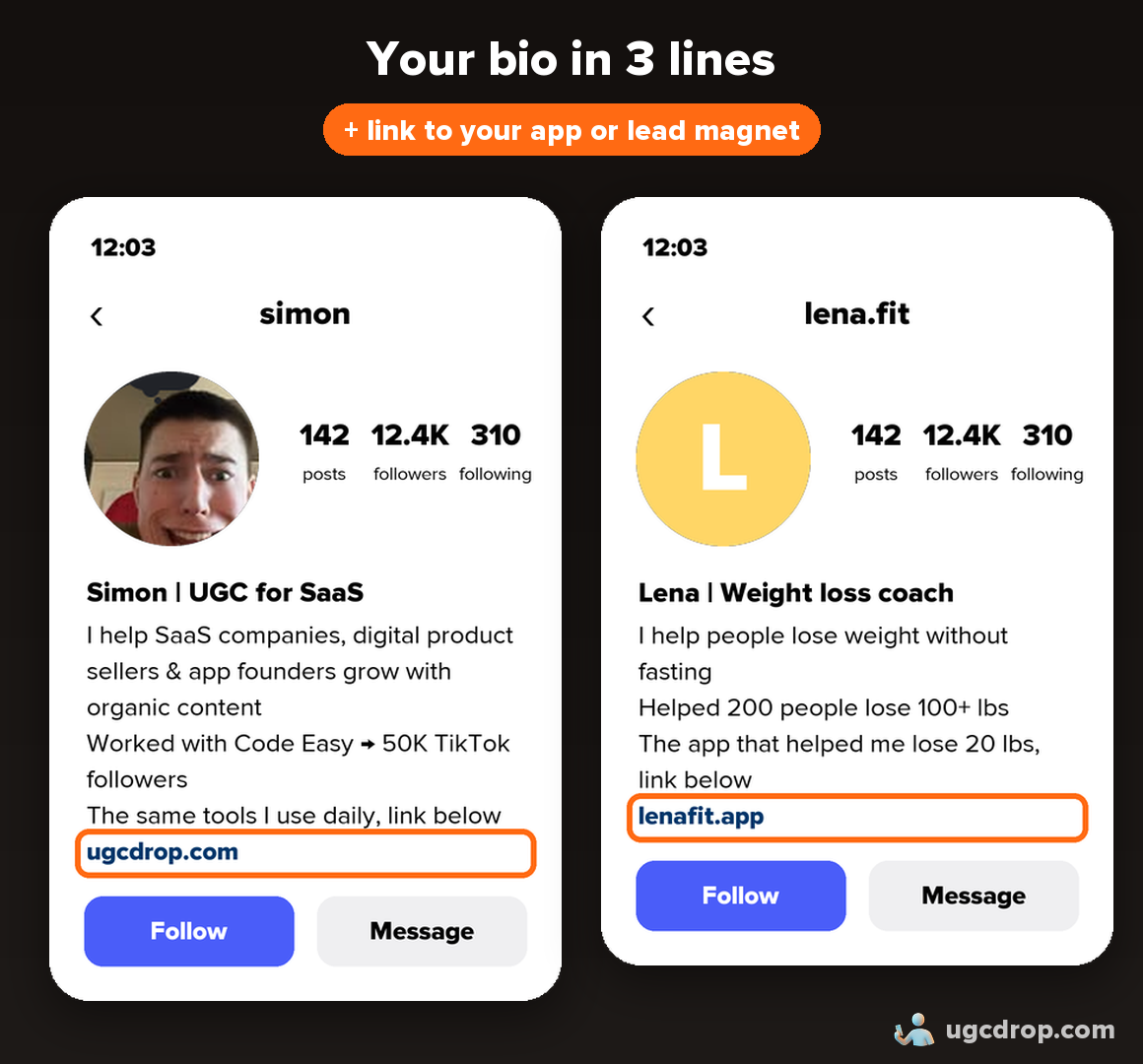
Who you help and what you do: "I help SaaS companies, digital product sellers and app founders grow with organic content."
Proof: "Worked with [brand], 50K followers on TikTok", or "Helped 200 people lose 100+ lbs."
A soft call to action. Consumer app: "Use my app" plus the link. Prosumer app or digital product: send people into a funnel, for example "Comment [keyword] for the free UGC checklist", "DM me [keyword] for the guide", or "Use the same tools I use daily" plus the link.
Good profile: keywords in the name, niche stated, one line about you, a contact option, a link.
Bad profile: no link, no CTA, no keywords, a generic bio ("I love AI"), a picture that can't be told apart from others.
4. Link
Consumer app: link straight to the app.
Prosumer product or digital product: link to a free resource or funnel. The buying journey is longer and needs more trust.
Track every link with UTMs. The bio link is usually the best-converting link on a page.
5. Consumer apps vs prosumer products
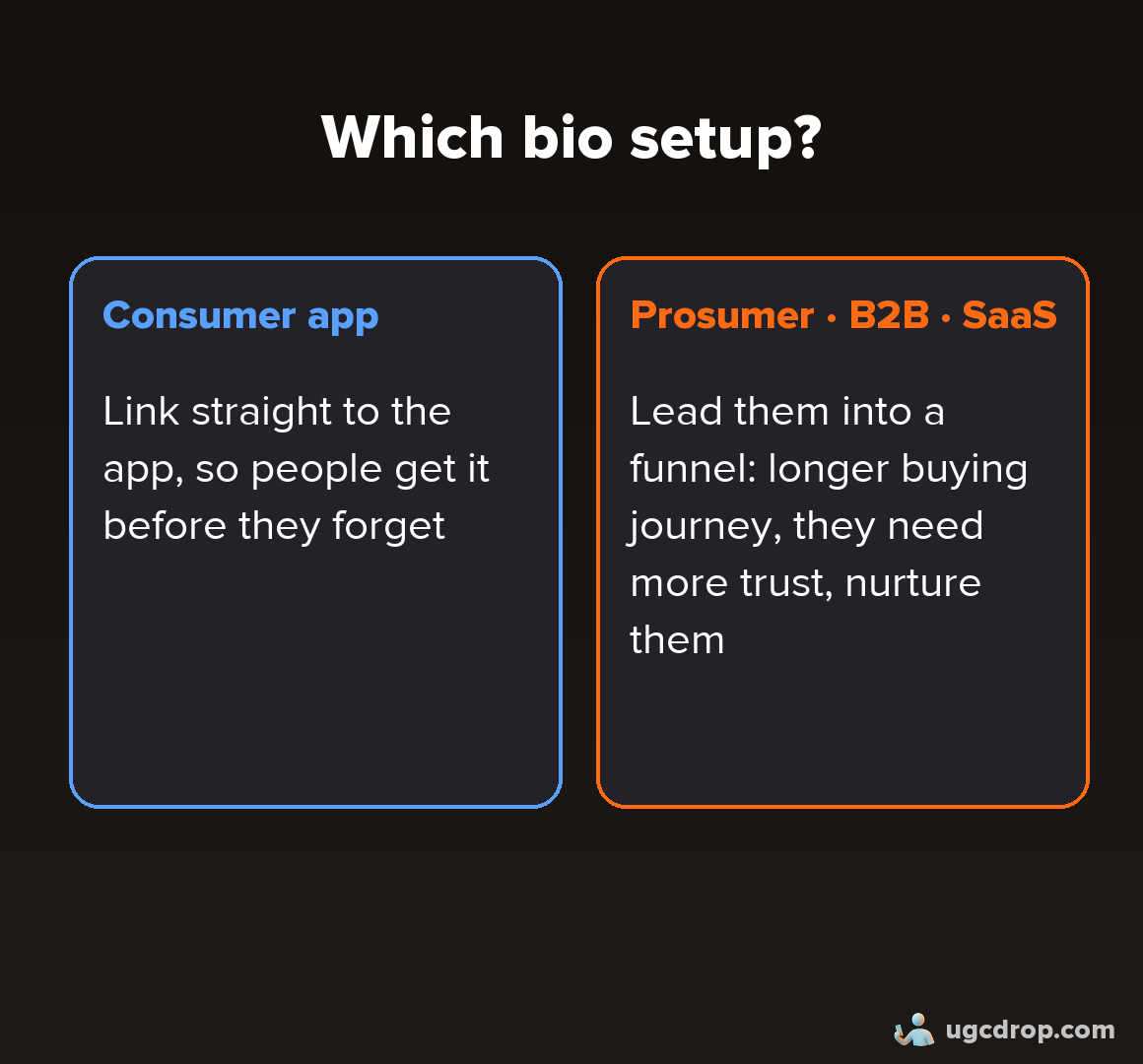
Consumer app (mostly TikTok):
One short line, soft CTA, reads like a person.
Examples: "Documenting my journey learning Korean", "Explore languages with me", "For those that are curious, the app is called [App]".
Link straight to the app.
Prosumer, B2B or digital product (mostly Instagram):
Three-line bio with proof and a CTA into a funnel.
Example: "I help creators scale with AI-driven systems. Learn to create using AI."
Link to a free resource or funnel.
Either way, use keywords in the name and bio (learning Korean, languages, polyglot).
Highlights are optional for simple UGC accounts. Add them for a personal brand.
6. Instagram settings
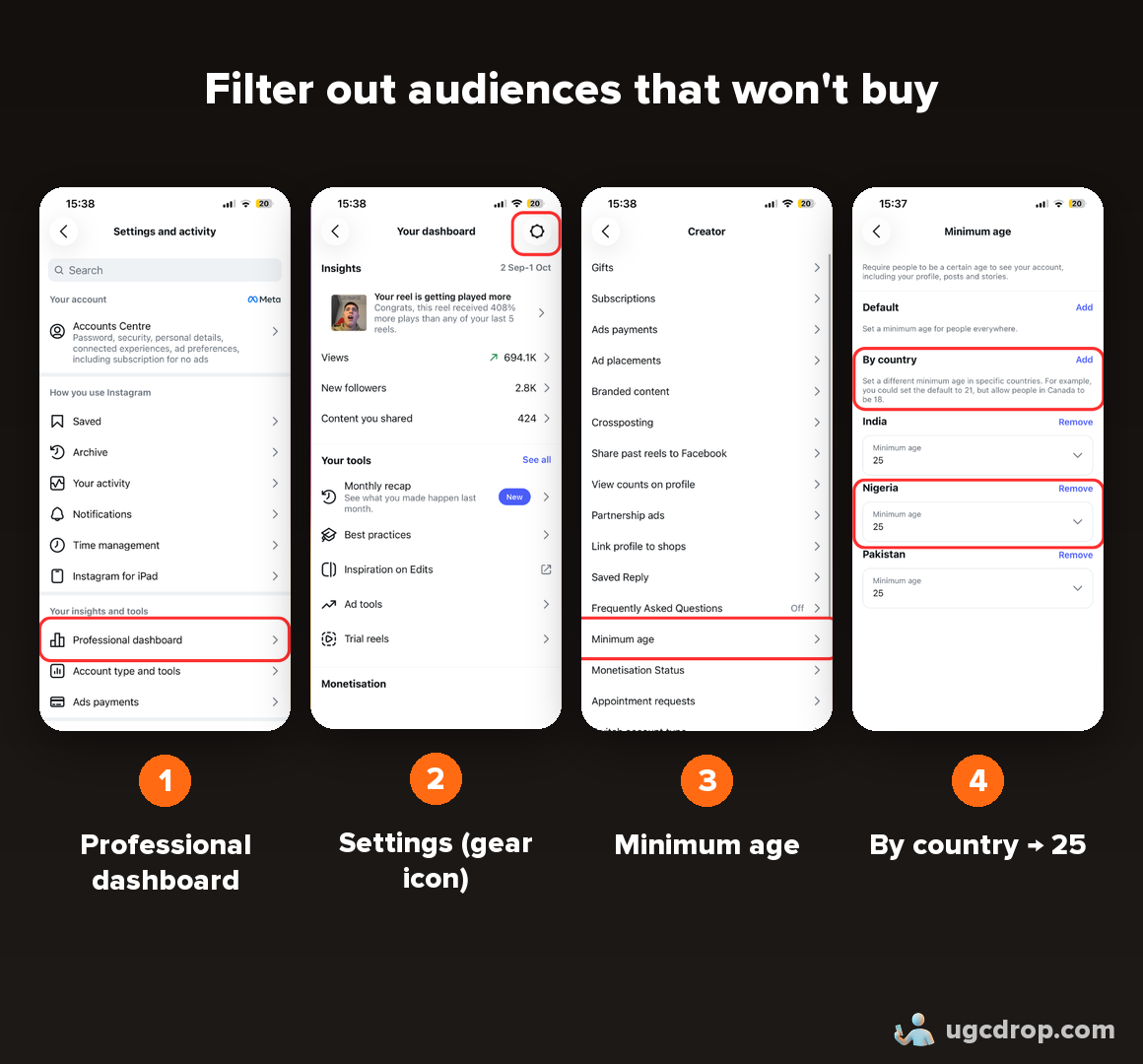
Professional / creator account: switch once you get traction, so you can automate DMs. TikTok does not allow DM automation.
Audience age restriction (Settings, Content and audience): set the minimum age as high as allowed (around 25) for countries that rarely buy from your content. This helps reduce views from audiences that won't convert, so more reach goes to markets like the US, UK and Canada.
Watch: how to set the audience age
7. Warm-up (only for many accounts)
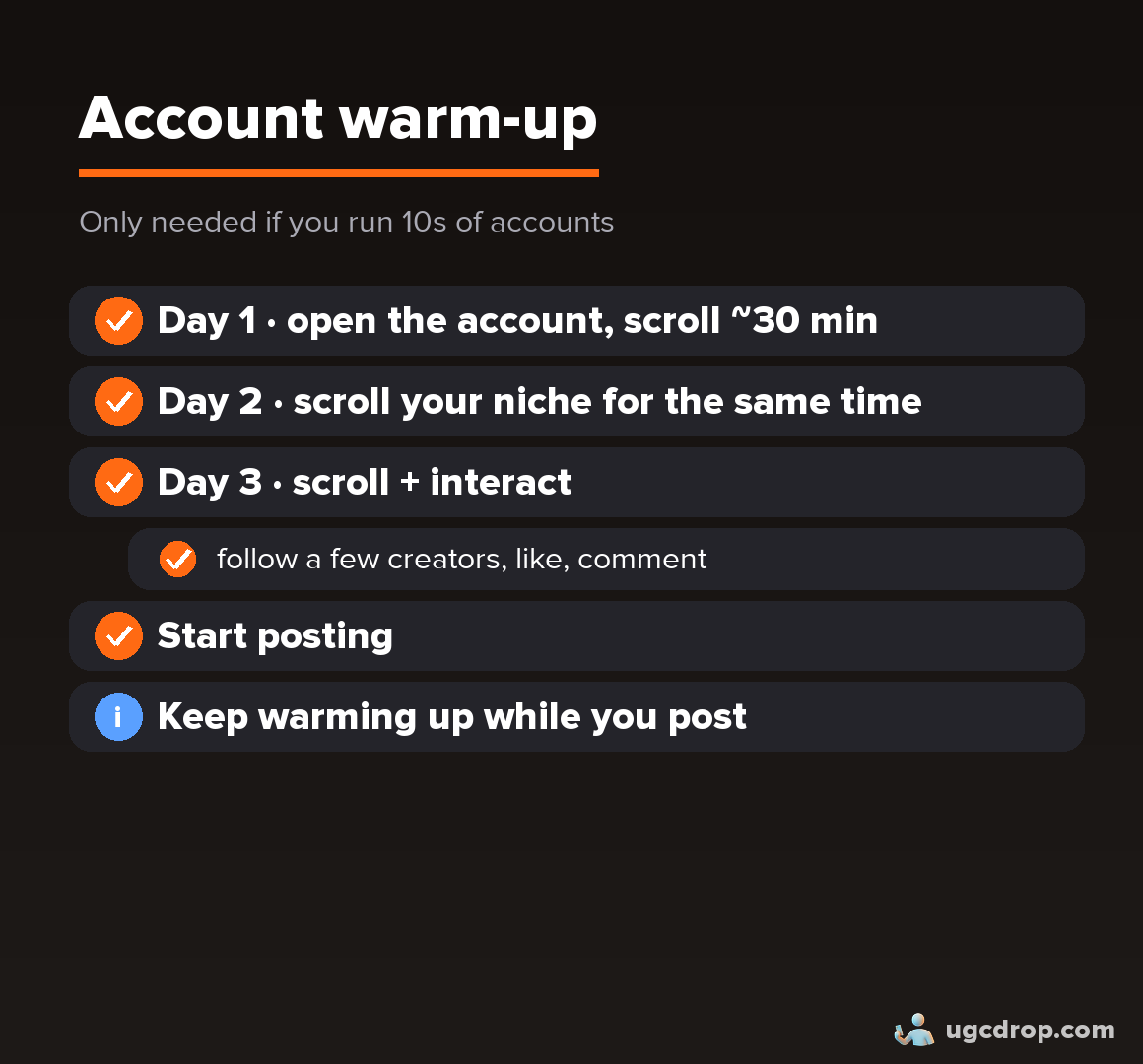
One to three accounts: no warm-up. Create the account and post today.
Tens or hundreds of accounts: Day 1, scroll about 30 minutes. Day 2, scroll a similar time in your niche. Day 3, the same, plus follow a few creators, like and comment. Then post, and keep a short warm-up going while you post.
8. Mistakes to avoid
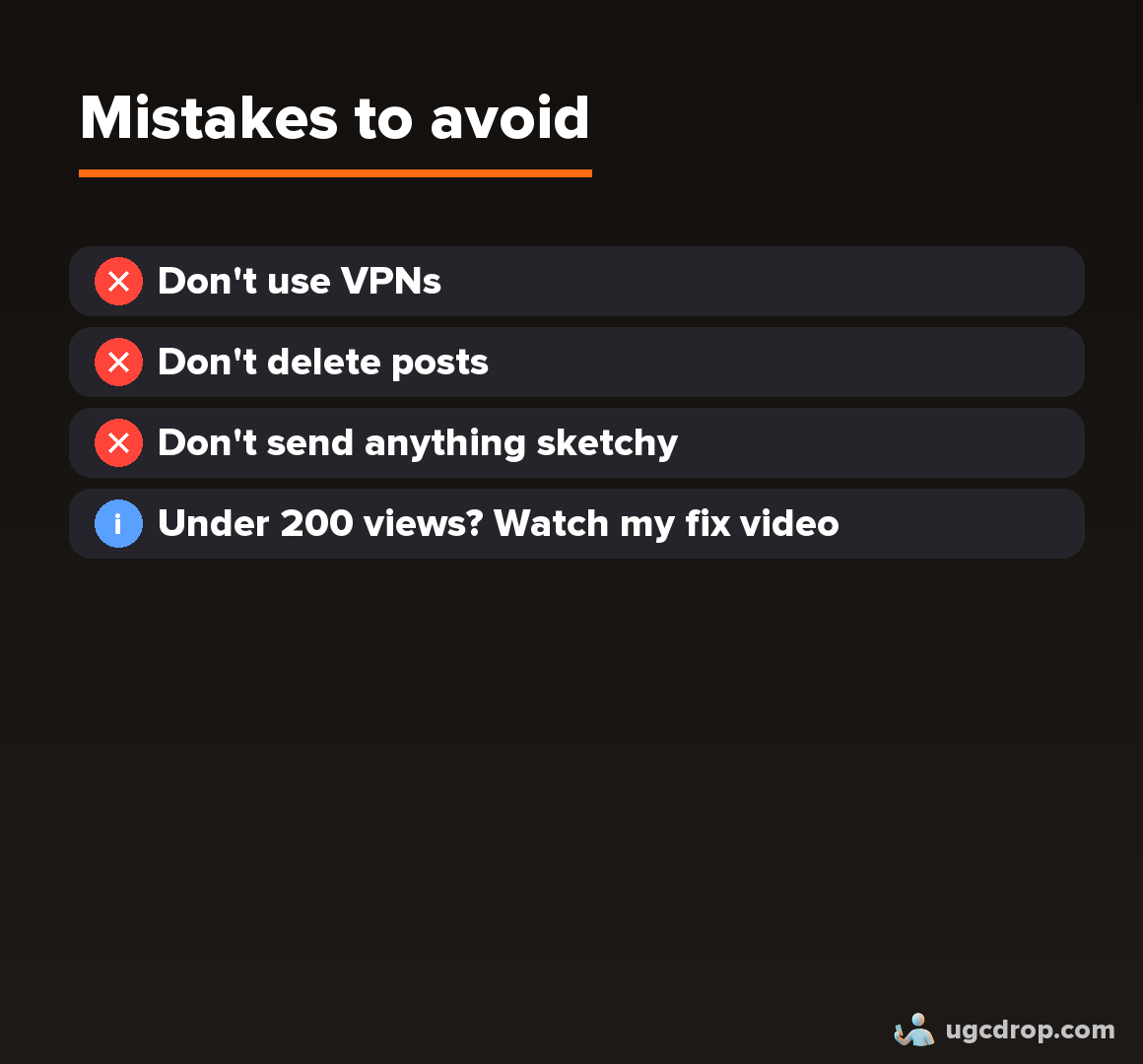
Don't use a VPN.
Don't delete posts.
Don't send anything spammy.
Under 200 views, or zero? Fix that first.
Checklist
Need content to post?
Make UGC videos for your app without showing your face or hiring creators.